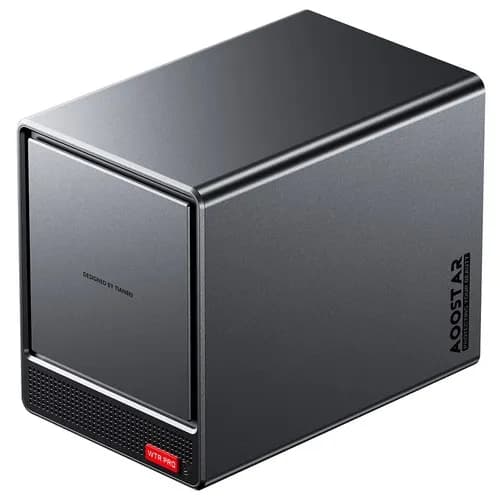
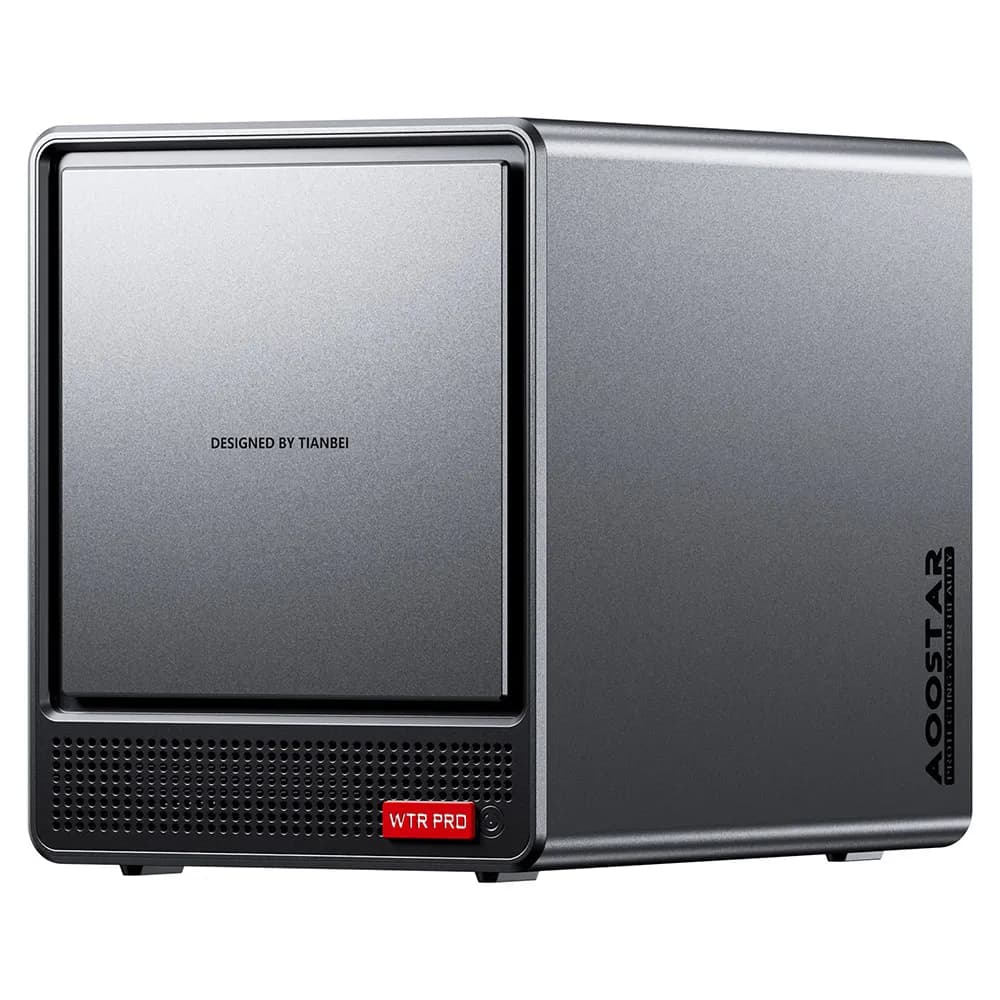
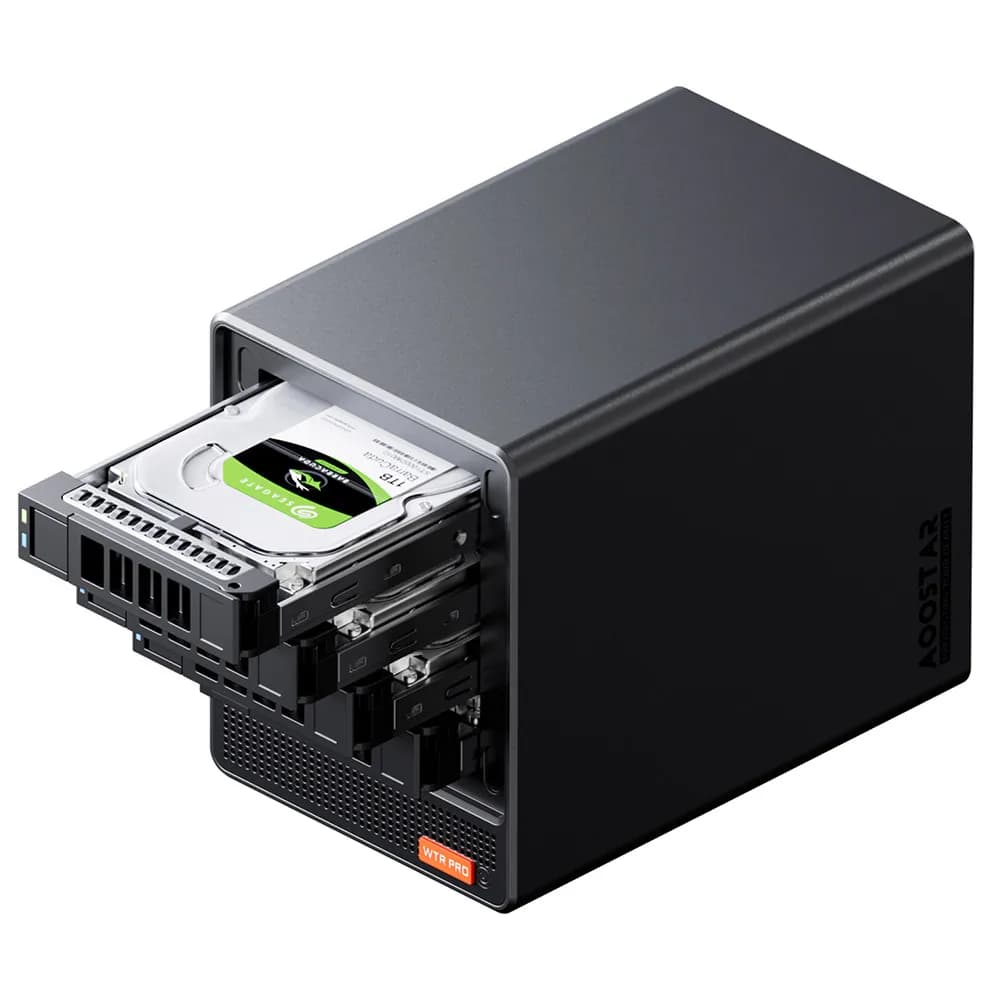
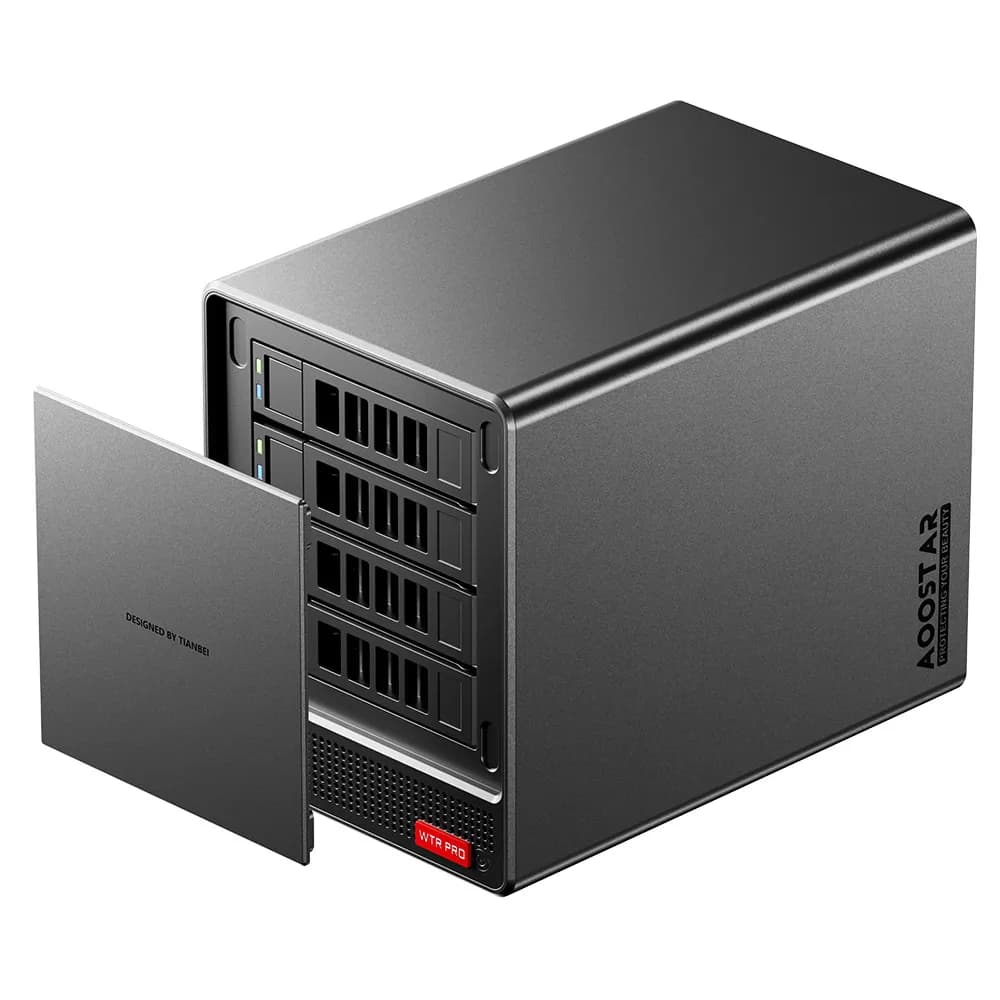
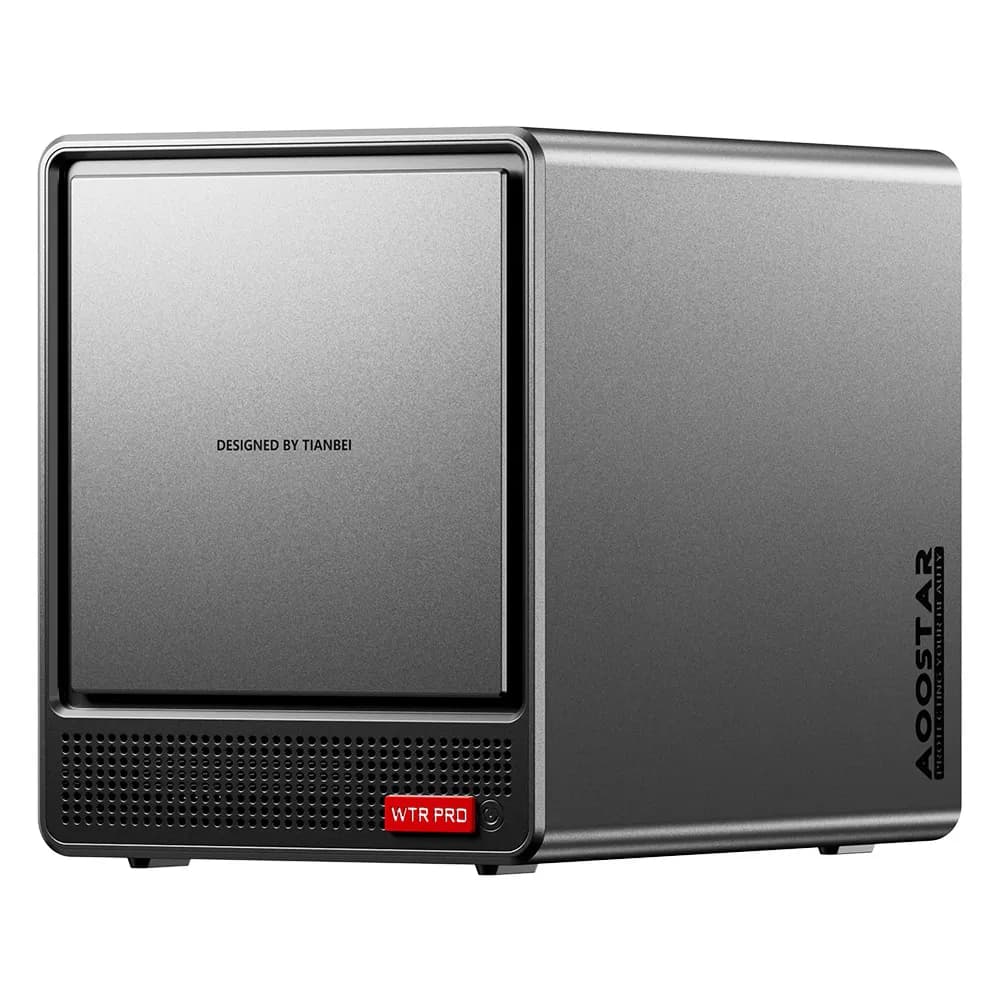
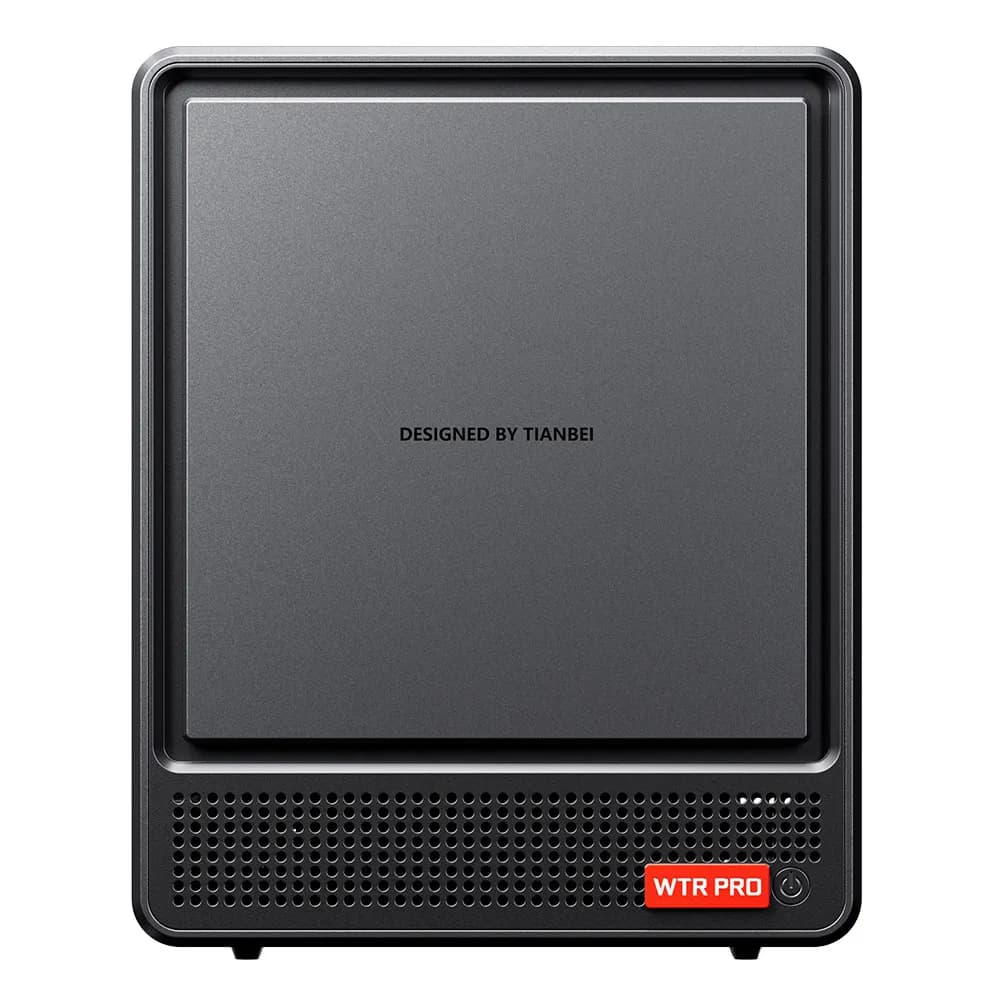
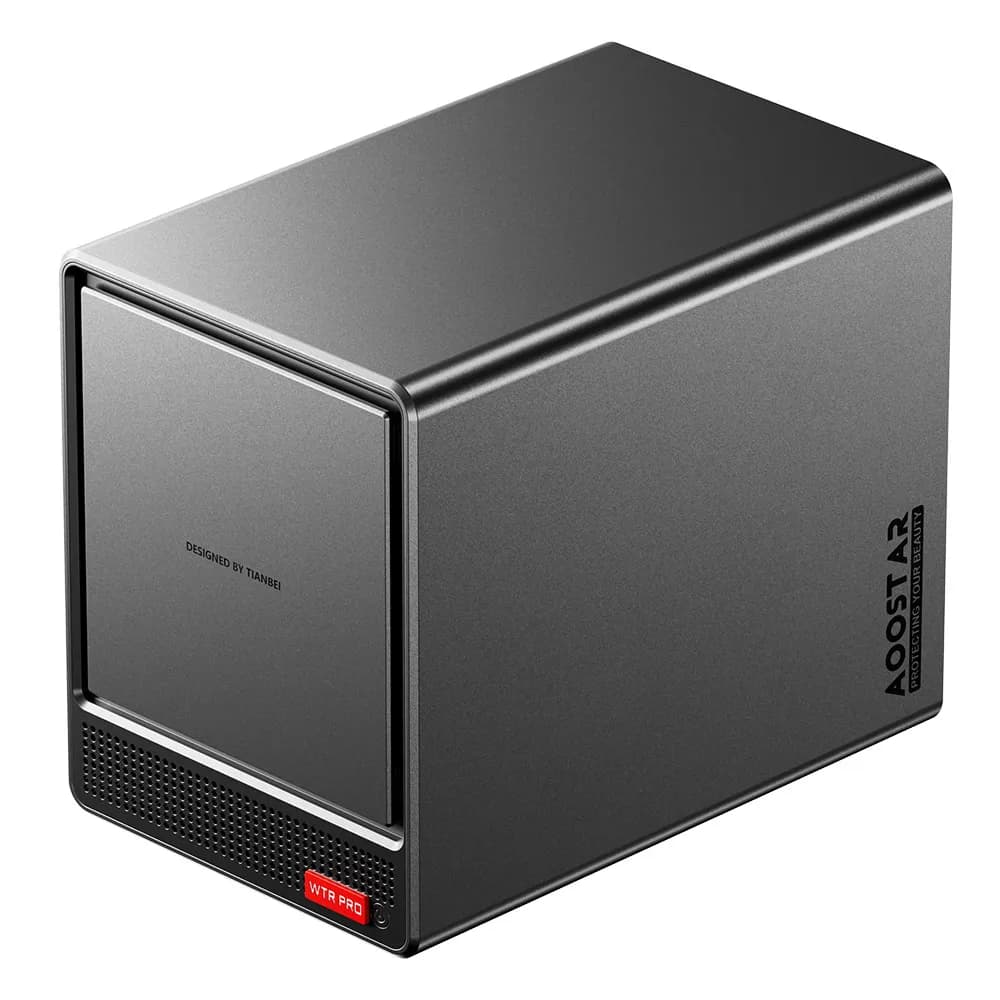
If you have been hunting for a compact machine that doubles as both a capable mini PC and a serious NAS solution, the AOOSTAR WTR Pro with the AMD Ryzen 7 5825U is worth a hard look. This barebone unit ships without RAM, SSD, or OS, giving you full control over how you build it out. It is a solid pick for home servers, Plex setups, virtualization experiments, or just plain old file hoarding.
Overview
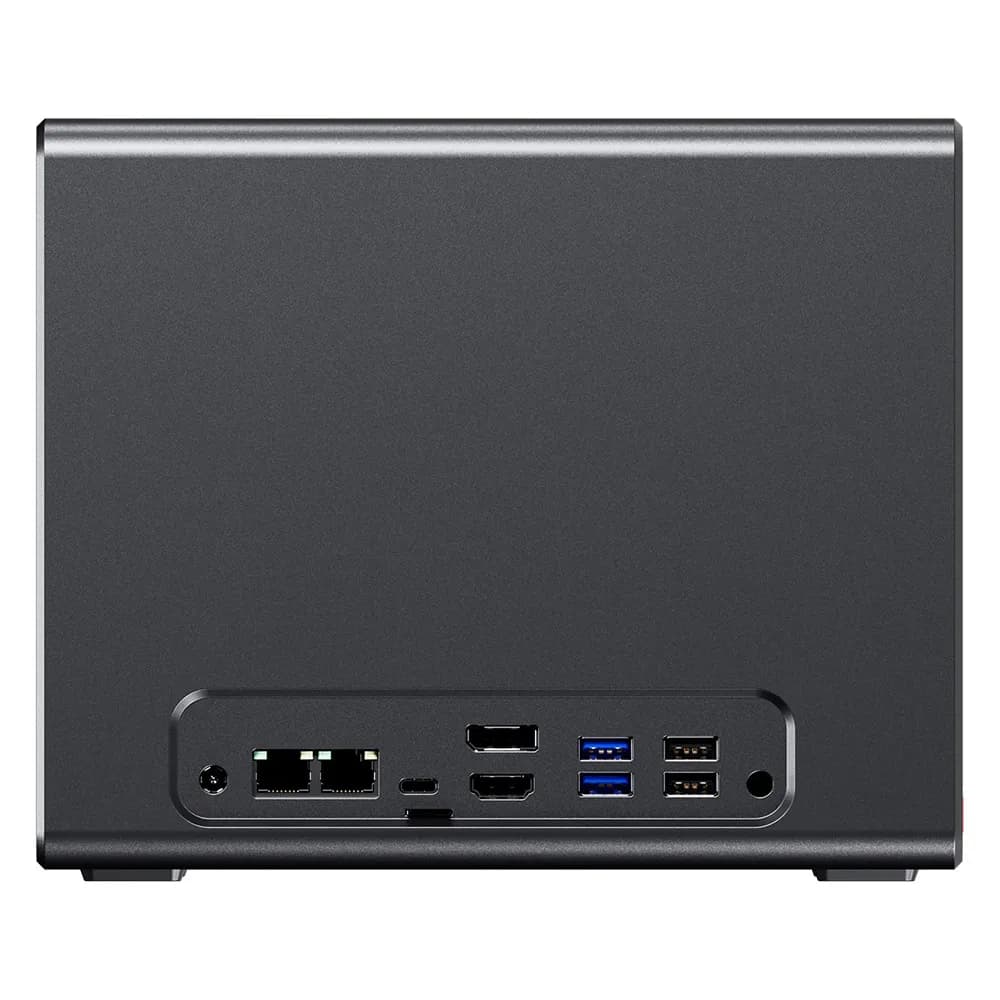
The AOOSTAR WTR Pro is a hybrid mini PC and NAS system wrapped in a compact all-metal chassis. It is powered by AMD's Ryzen 7 5825U -- an 8-core, 16-thread chip built on the 7nm Zen 3 architecture that boosts up to 4.5GHz. The design features four 3.5-inch SATA drive bays and two M.2 NVMe slots, meaning you can theoretically pack up to 88TB of raw storage into this thing. Dual 2.5 Gigabit Ethernet ports, triple 4K display output, WiFi 6, and Bluetooth 5.2 round out the connectivity.
Key Features
- AMD Ryzen 7 5825U processor (8C/16T, up to 4.5GHz) with Radeon Vega 8 graphics
- 4 x 3.5-inch SATA bays supporting up to 22TB drives each
- 2 x M.2 2280 NVMe PCIe 3.0 slots
- Dual-channel DDR4-3200 support, up to 64GB
- Dual 2.5GbE LAN ports (Intel i226-V)
- Triple 4K display output via HDMI 2.1, DP 1.4, and USB-C
- 12cm fan with pass-through ventilation for quiet, efficient cooling
- Wake on LAN support
Who is it for?
This machine is tailor-made for home lab builders, NAS enthusiasts running TrueNAS or Unraid, and anyone who wants a low-power-yet-capable always-on server. It is also a decent pick for a compact desktop workstation if you value multi-monitor setups and need solid multitasking chops. Just be aware that you will need to bring your own RAM, storage, and operating system.
Pros and Cons
- Pro: Excellent multi-threaded performance from the Ryzen 7 5825U at low power draw (15-25W)
- Pro: Massive storage flexibility with 4 SATA bays plus 2 NVMe slots
- Pro: Sturdy all-metal chassis with effective cooling design
- Con: No 10GbE or USB4 connectivity, which limits high-speed networking
- Con: No included NAS software -- requires manual OS setup
- Con: No PCIe expansion slot for future upgrades
Looking for the best deal on this mini PC? Check out the latest offers on our deals page.